
REPORTING & INTEGRATIONS
Access cross-module reporting and explore integration options around the data, permissions, and configuration your organisation uses.
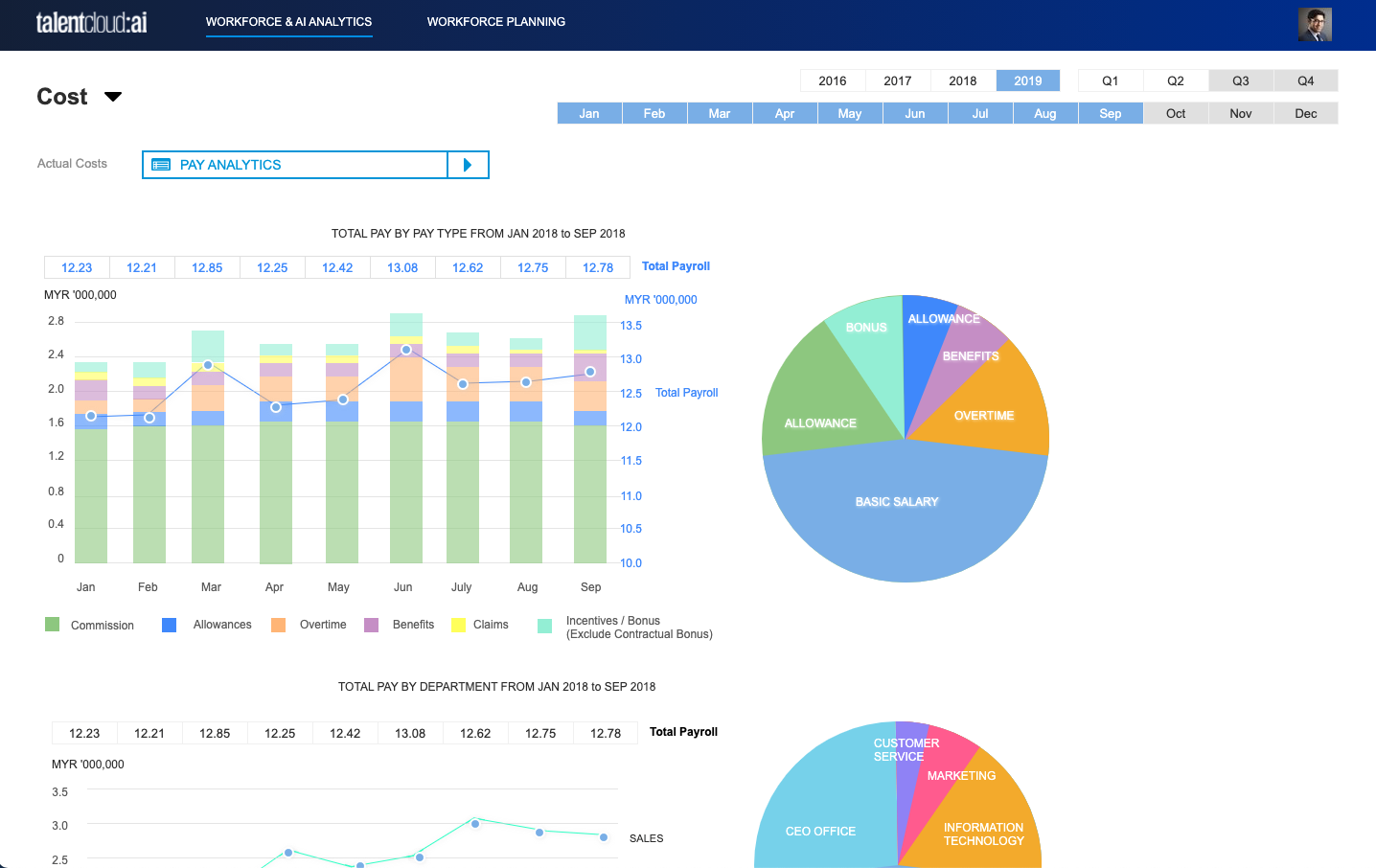
REPORTING ACROSS HR
Available reports follow the active modules, the information maintained in your organisation, and the permissions assigned to each user.
Review relevant employee, job, and organisation information from the Core HR foundation.
Bring together relevant work-time, leave, overtime, and payroll-related information where the modules are in use.
Review relevant claims, benefits, compensation, and payroll information within the available scope.
Review recruitment and onboarding information where these modules and permissions are available.
Bring relevant goals, reviews, learning, and succession information into the reporting context.
Make reports available according to the role access and data permissions your organisation configures.
REPORT EDITOR
The Report Editor can support report creation and review based on the data and report options available in your TalentCloud setup. Its scope follows the enabled modules, data access, and configuration of your organisation.
Focus reporting on the data made available through your active modules and permissions.
Bring selected information into a clearer view for the people responsible for review.
Keep report access aligned with the roles and data access configured for your organisation.
FROM INFORMATION TO REVIEW
Reports can help the right people review information across the modules in use. The questions below are examples of review needs, not customer data or guaranteed outcomes.
Which employee, job, or organisational information should be reviewed for the current process?
Which relevant attendance, overtime, leave, or payroll inputs need attention under the configured process?
Which relevant recruitment, learning, review, or succession information needs a closer look?
OPEN API & INTEGRATIONS
TalentCloud Open API can provide controlled access to relevant employee, leave, attendance, and vacancy data according to the documented capability, subscription, permissions, and implementation scope.
01
Discuss the data, business purpose, and available modules relevant to the integration.
02
Set up access in line with the roles, permissions, and implementation requirements agreed for your organisation.
03
Use the confirmed API capability and data scope without assuming every endpoint or workflow is available.
ACCESS & CONFIGURATION
The reporting scope, data access, and integration options available to each person depend on their permissions, your configuration, active modules, and implementation scope.
Maintain relevant reporting and integration settings within their assigned responsibilities.
Review the information and actions available to their assigned role.
Access only the relevant information and actions made available through ESS and their permissions.
REPORTING & INTEGRATIONS FAQ
Available reports follow the modules in use, the data maintained by your organisation, and the permissions assigned to each user.
The Report Editor supports report creation and review within the data scope and options available in your TalentCloud configuration.
Documented Open API capability can provide controlled access to relevant employee, leave, attendance, and vacancy data. Exact scope follows subscription, permissions, and implementation.
This page does not promise real-time synchronisation or read/write capability for every endpoint. Confirm the intended integration scope during implementation discussions.
RELATED SOLUTIONS
See how reporting can bring together relevant people information across the TalentCloud modules in use.
READY TO DISCUSS YOUR DATA NEEDS?
Share the information and connections you need to explore, and we will help you discuss a suitable approach.
A modular HCM platform for connected HR operations.
Platform Overview
Core HR & Employee Self-Service
Time, Attendance & Leave
Tell us about your HR priorities and we will help you explore the right TalentCloud setup.
u00a9 TalentCloud. All rights reserved.
Privacy Policy Terms of Service